Responsive app

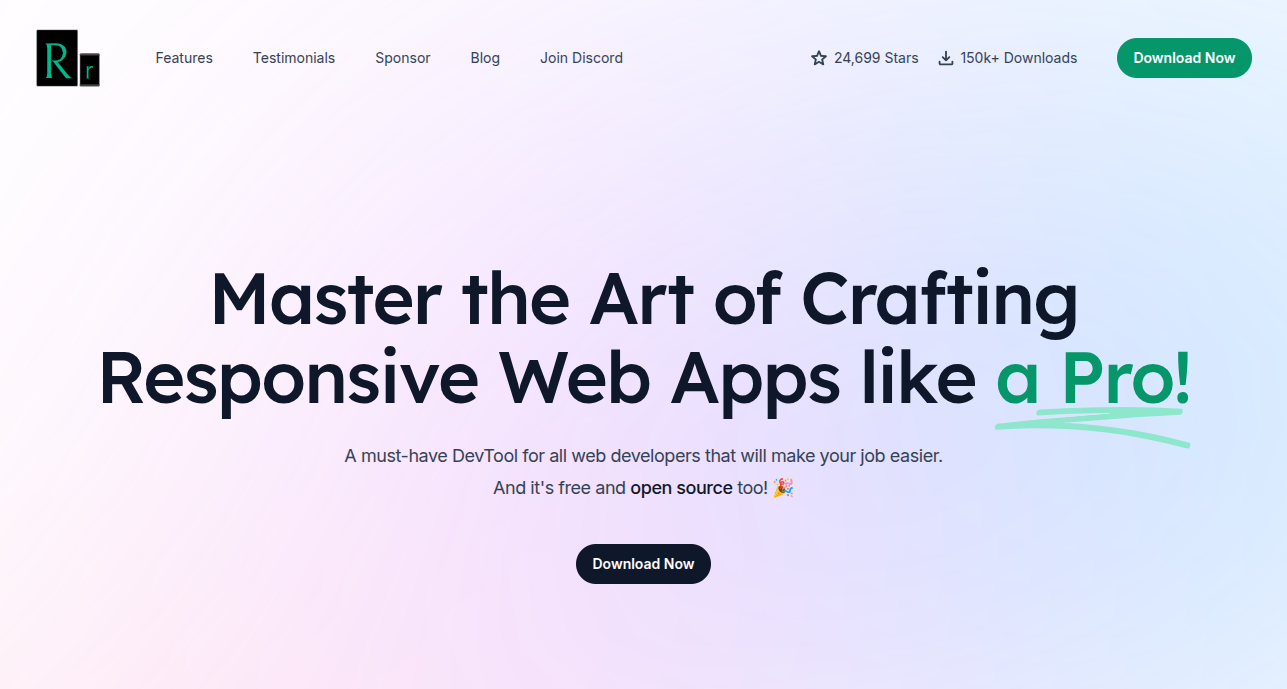
responsive app website

📱 What is Responsively App?

Responsively App is an open-source tool designed for web developers to test responsive web design across multiple screen sizes simultaneously in a single window.

Instead of constantly resizing your browser or switching between device views in DevTools, Responsively App displays mobile, tablet, and desktop layouts side by side in real time.


🎯 Purpose

Responsively App helps developers:

  • Test layouts on multiple devices at the same time
  • Instantly detect broken UI or layout issues
  • Reduce repetitive browser resizing
  • Improve front-end development workflow
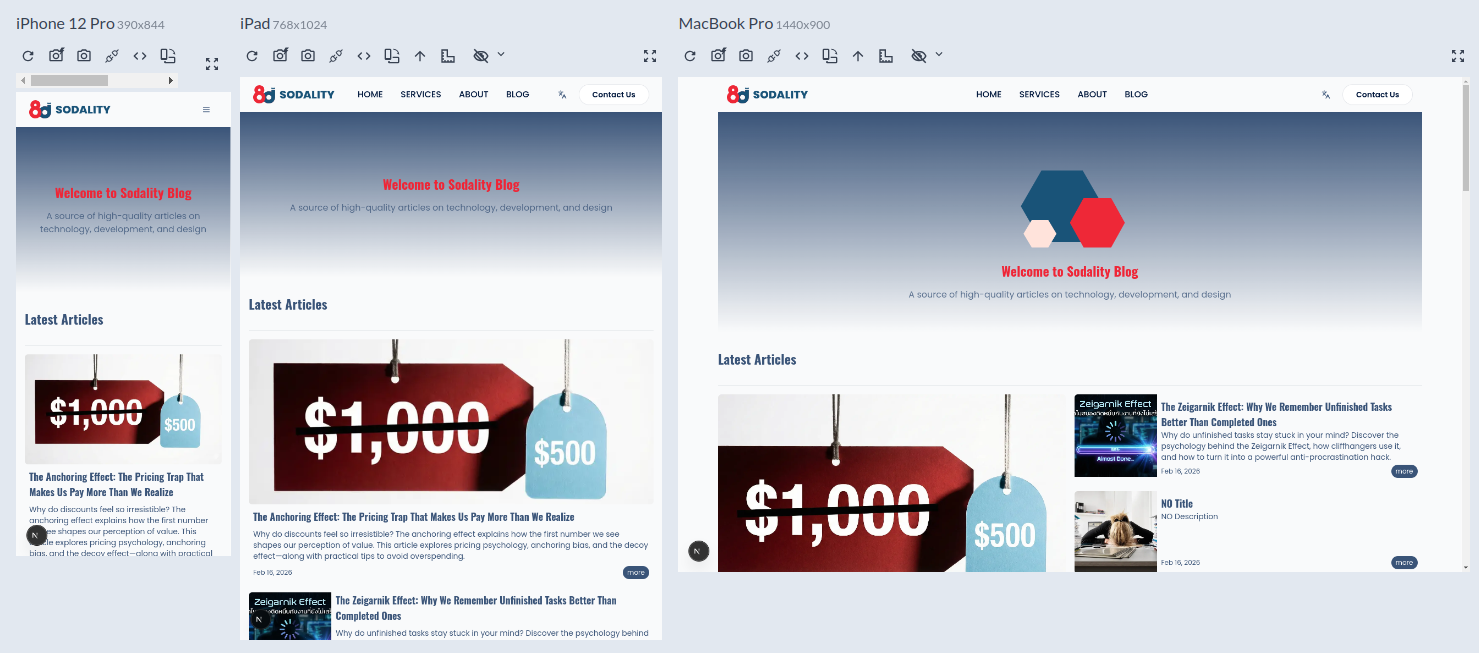
responsive windows

✨ Key Features

🔄 1. Mirrored Interactions

Scroll, click, or type in one screen —
all other screens sync automatically.

🖥 2. Multiple Devices in One Window

Simulate various device types, including:

  • Mobile
  • Tablet
  • Laptop
  • Desktop

🛠 3. Unified Inspector

Inspect elements across multiple viewports from a single panel, making CSS debugging easier and faster.

📸 4. Multi-Device Screenshot

Capture screenshots of all simulated devices at once — perfect for QA and reporting.

📐 5. Built-in Device Profiles

Includes popular preset devices such as:

  • iPhone
  • iPad
  • Android devices
  • Common desktop resolutions

⚙️ How It Works

Responsively App:

  • Uses a Chromium-based rendering engine
  • Simulates multiple viewports simultaneously
  • Syncs user interactions across devices
  • Emulates device DPR (Device Pixel Ratio)

👨‍💻 Who Is It For?

  • Front-end developers (React / Next.js / Vue / Angular)
  • CSS / Tailwind developers
  • QA testers
  • UX designers
  • Anyone working with responsive web design regularly

🧠 In Short

Responsively App is a powerful open-source tool
that lets you test responsive websites across multiple devices simultaneously,
helping you build and debug UI faster and more efficiently.
Portabase

Portabase

Portabase is a backup and restore platform for databases that allows you

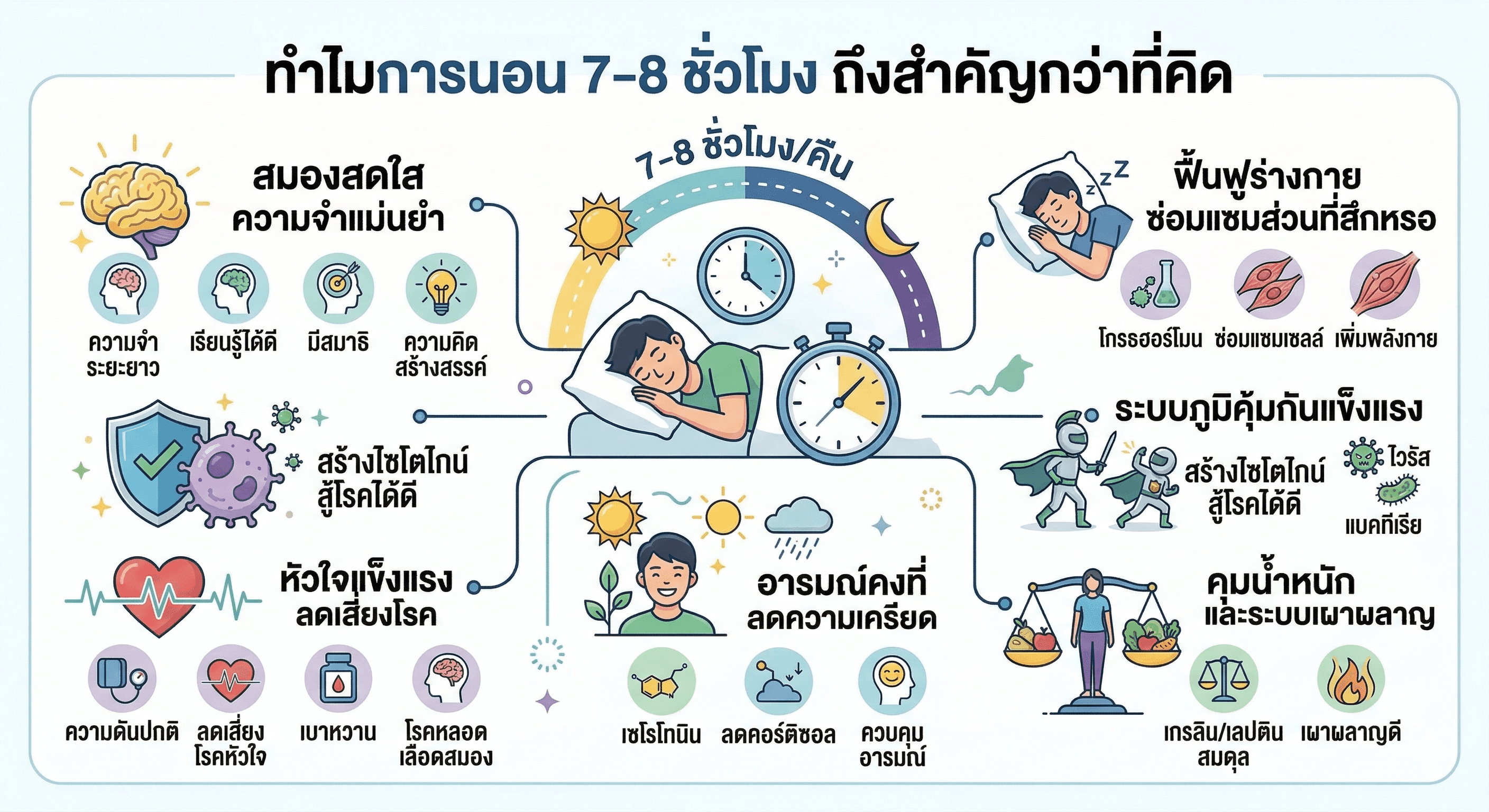
Sleep Hygiene & Blue Light: Is Blue Light Really Harmful?

Sleep Hygiene & Blue Light: Is Blue Light Really Harmful?

Does blue light really ruin your sleep? Learn how blue light affects melatonin and the circadian rhythm, and discover practical sleep hygiene strategies to improve sleep quality.

Tech Neck & Text Neck: The Hidden Neck Strain of the Smartphone Era

Tech Neck & Text Neck: The Hidden Neck Strain of the Smartphone Era

Looking down at your phone may put up to 27 kg of pressure on your neck. Learn about Text Neck Syndrome, its symptoms, and simple ergonomics tips and exercises to prevent long-term damage.

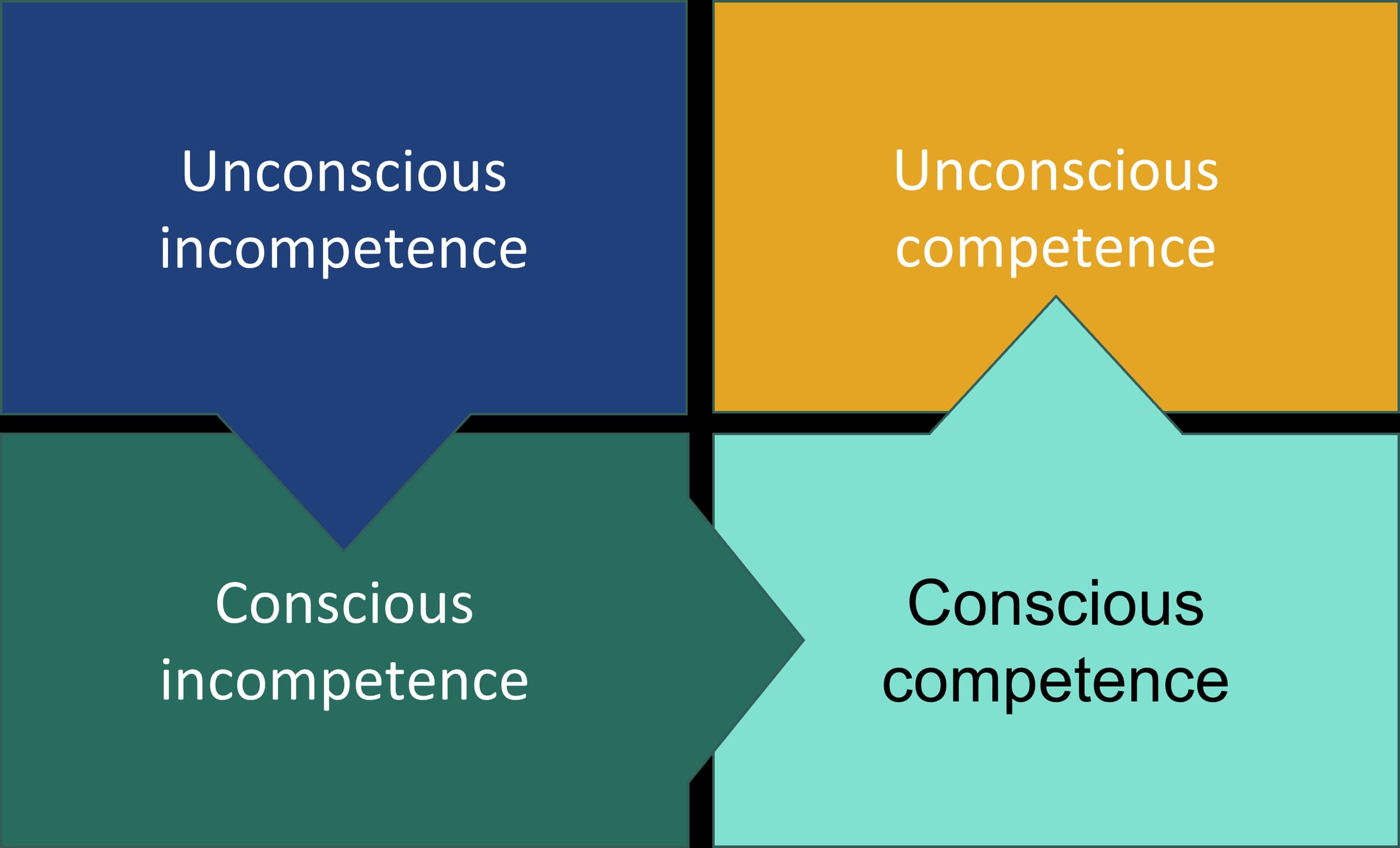
Self Sabotage

Self Sabotage

Why We Secretly Block Our Own Success

The Curb Cut Effect: Designed for Accessibility, Benefiting Everyone

The Curb Cut Effect: Designed for Accessibility, Benefiting Everyone

Discover the Curb Cut Effect and how designing for people with disabilities leads to broader societal benefits. Learn the principles of Inclusive Design and Universal Design in everyday life and business.

Shrekking at work

Shrekking at work

Why are top talents settling for less? Dive into Shrekking at Work, the trend where peace of mind outweighs career status. Discover why Gen Z is choosing the path of least resistance, the hidden dangers of 'rust-out,' and how to use this career detour effectively without losing your professional edge.

ZeroClaw

ZeroClaw

ZeroClaw is a highly efficient, Rust-based alternative to the OpenClaw agent runtime. Designed to address the resource intensity and performance bottlenecks of existing solutions

The Norman Door: Why a “Push/Pull” Sign Is a Failure of Design

The Norman Door: Why a “Push/Pull” Sign Is a Failure of Design

Why do some doors need a “Push” or “Pull” sign? Discover the concept of the Norman Door, Don Norman’s design philosophy, and why user mistakes are often design failures—not human errors.